
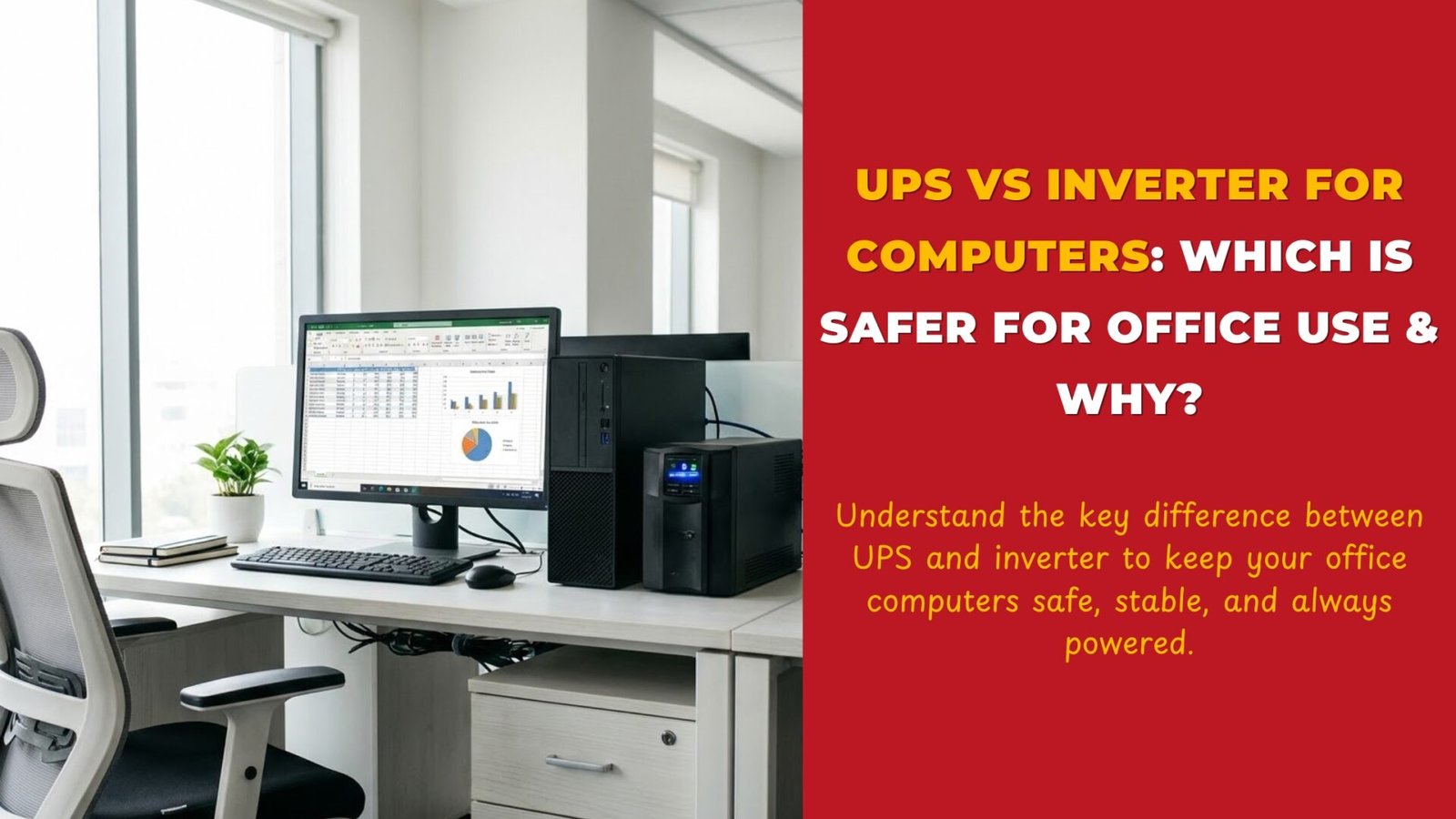
Introduction – Why Office Computers Need Special Power Protection
Office computers are not like fans or lights. They store important files, run accounting software, manage customer data, and handle daily business tasks. A sudden power cut or voltage fluctuation can damage systems, corrupt data, or interrupt work for hours.
Many offices depend on either a UPS or an inverter for backup power. But most business owners do not clearly understand the difference between the two. Some think both do the same job, while others choose based only on price.
Choosing the wrong power backup for office computers can put computers and data at risk. This guide explains UPS vs Inverter in simple language and helps you decide which one is safer for your office.
What Is a UPS? How It Protects Office Computers
A UPS (Uninterruptible Power Supply) is designed specially for computers and electronic equipment. It supplies instant backup power and also protects systems from unsafe electricity.
How a UPS works
A UPS stays connected between the main power source and the computer at all times. Even when power is on, electricity passes through the UPS before reaching the system.
If power fails, the UPS shifts to battery mode within a fraction of a second. This automatic switching is so fast that the computer does not even restart or turn off.
What type of protection it gives to computers
A UPS provides:
- Instant backup power
- Stable voltage when electricity fluctuates
- Protection from spikes and surges
- Time to shut down systems safely
- Prevention from data loss
For offices handling accounting, customer databases, or online work, a UPS is critical for computer safety during power cuts.
What Is an Inverter? How It Works with Computers
An inverter is commonly used for backup in homes and offices for lights, fans, and general electrical appliances. Many offices also connect inverters to computers.
How inverter backup is different
When power fails, the inverter usually takes a few seconds to switch from main power to battery mode. During this short delay, computers may shut down.
Inverters focus on providing electricity, not protecting sensitive equipment. They supply backup but do not regulate voltage as precisely as a UPS.
Why many offices still use inverters
Inverters are popular because they:
- Provide longer power backup
- Run many devices together
- Support entire office wiring
- Are easy to install
However, they are not designed specifically for office IT equipment safety.
UPS vs Inverter for Computers – Key Differences
Backup switching time
UPS: Switches instantly (milliseconds)
Inverter: Takes a few seconds
UPS ensures the computer continues without interruption. Inverters allow systems to shut down temporarily.
Voltage stability
UPS: Keeps voltage stable
Inverter: Voltage control is limited
Computers are sensitive to power swings. A UPS prevents damage from sudden spikes.
Data loss protection
UPS: Prevents sudden shut-downs
Inverter: Systems may crash during delay
If a computer shuts off abruptly, files may corrupt.
Battery dependency
UPS: Designed for short backup with clean power
Inverter: Designed for longer backup with raw electricity
They serve different purposes.
Why Is a UPS Safer for Computers Than an Inverter?
UPS units are designed specifically for computers and workstations. They:
- Protect against low voltage
- Prevent restart loops
- Protect internal parts
- Allow graceful system shutdown
- Maintain data security
If your office uses computers for accounting, design work, server operations, or billing systems, a UPS for computers is not optional — it is necessary.
Many office failures happen not because of hardware issues but due to power instability. A UPS adds a strong safety layer.
When Is an Inverter a Better Choice for Office Use?
Inverters are better for:
- Lights and fans
- Printers and phone charging
- Powering Wi-Fi routers
- Providing long backup duration
An inverter is a good choice if your main worry is keeping the office operational rather than protecting computer hardware.
Some offices choose inverter backup for workstations where data is cloud-based and shutdown risk is low.
Common Mistakes Offices Make While Choosing Power Backup
Many companies make simple mistakes that lead to damage later:
- Using inverter only for computers
- Skipping UPS for workstations
- Overloading backup systems
- Ignoring surge protection
- Using cheap wiring setups
- Connecting all office load to a single system
Power backup must match equipment sensitivity.
How to Choose the Right Power Backup Based on Office Size
Small offices
A small office with 2–5 computers should use:
- Individual UPS for each system
- A small inverter for lighting and internet
This gives safety + power continuity.
Medium offices
Mid-sized offices should use:
- Central UPS for network equipment
- Inverter for general electrical load
- Dedicated UPS for accounting systems
Balance protection and runtime.
Large offices
For large offices:
- Central power backup system
- Separate departments on different backup lines
- UPS for servers and systems
- Inverters for utility power
Larger offices need combination setups with defined load planning.
UPS + Inverter Combo – Is It the Safest Setup?
Yes — a combination is often the best approach.
UPS ensures computer and data safety.
Inverter keeps the office running.
This dual setup offers:
- Maximum system protection
- Longer working hours
- Zero data loss
- Stable environment
Many smart offices use UPS for computers and inverter for fans, lights, and routers.
Cost Comparison – UPS vs Inverter for Office Computers
UPS systems are usually less expensive for individual setups but have shorter backup time.
Inverters cover more equipment but may require additional protection for computers.
The cost should be measured in:
- Safety
- Equipment savings
- Data protection
- Downtime avoidance
Choosing cheap backup leads to expensive repairs.
Final Verdict – Which Is Safer for Office Use & Why?
If your priority is computer safety and data protection — choose UPS.
If your priority is basic power continuity — choose inverter.
If you want maximum safety — choose both.
UPS protects systems, Inverter powers the office
Each has a role.
Conclusion
Offices run on computers. Computers depend on stable electricity. Power cleaning is not optional anymore. It is protection against loss. UPS is the safest option for office computers. Inverters are support systems, not substitutes. Understanding the difference helps avoid costly mistakes. Use power backup as protection — not just as an electricity supply.
If you are planning to install a UPS or inverter for your office, choosing the right product and setup is very important for long-term safety. Vaibhav Enterprises offers genuine UPS systems, high-performance inverter batteries, and complete power backup solutions for office and commercial use. With the right backup system, you can protect your computers, data, and daily operations without stress.
For product availability, pricing, or installation support, simply contact us for fast and reliable service.